For this module, I decided to use Adobe Photoshop as the software to modify my images. I chose this program because it’s one that I know how to use, and I like its capabilities. Because I already knew how to use the program, it only took me about 2 hours to create/modify the images.

Transparent Background
In this image, we had to use an existing photo of ourselves and remove the background so that it’s transparent. Photoshop has several options to create this, like the ‘Remove Background” feature, which is what I used.
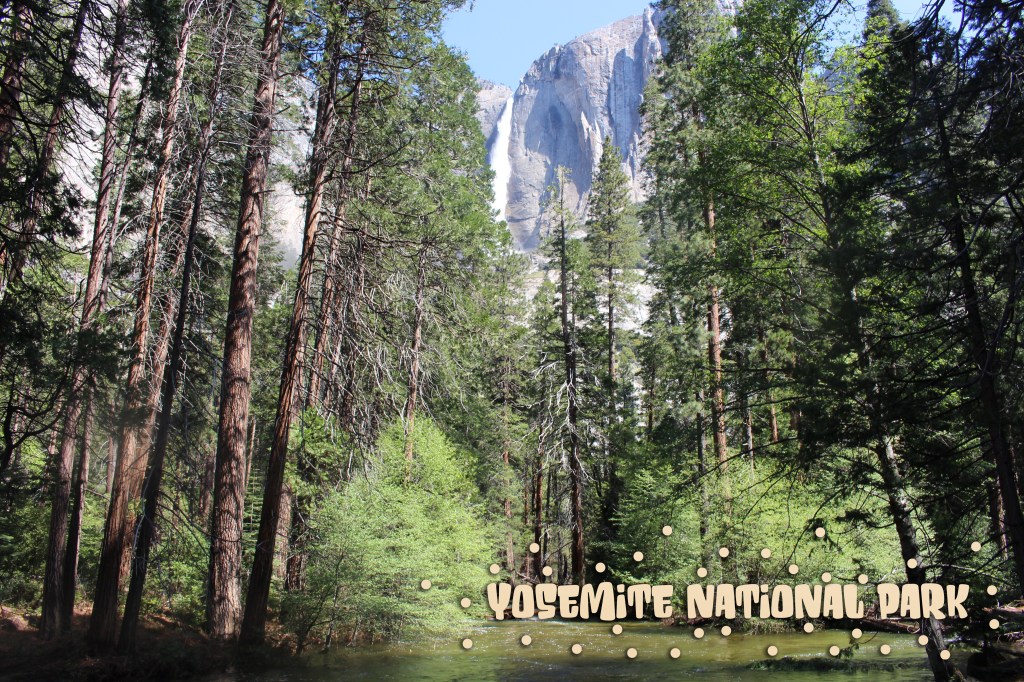
Annotated Image
For this image, I chose a photo that I took while visiting Yosemite National Park and added a ‘fun’ font and decoration to annotate the location.
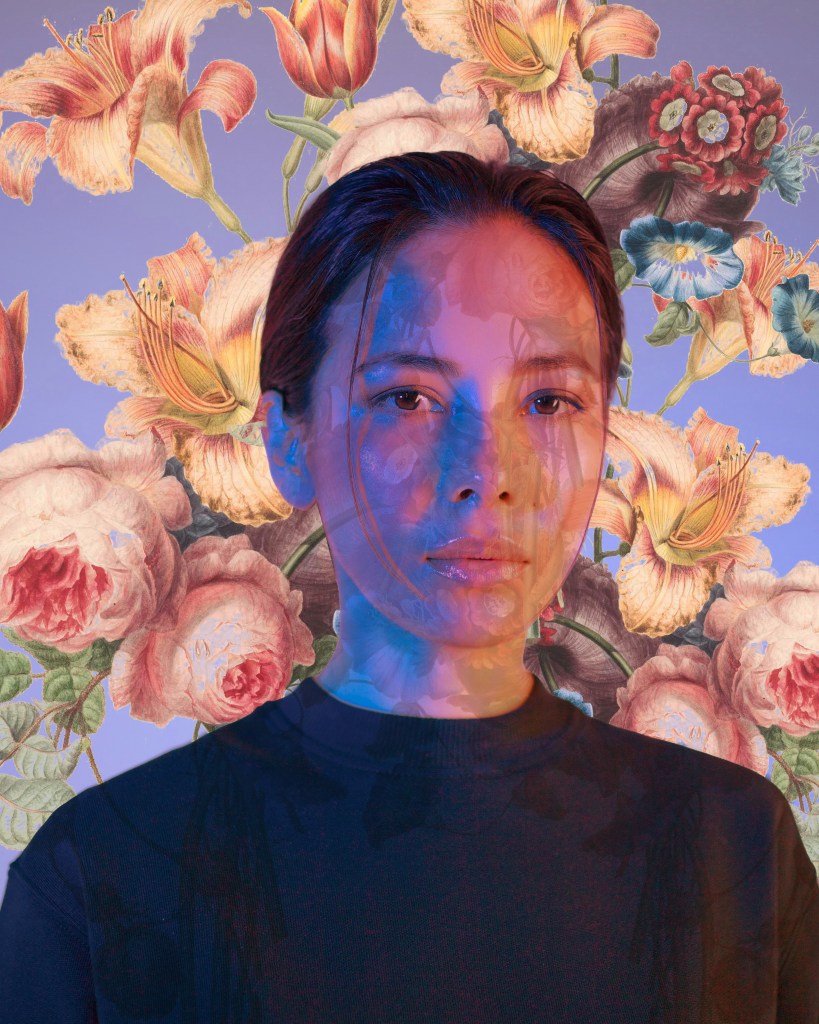
Composite Image
This image combines two photos: the woman with the purple background and the flowers. I cut both out in different layers, placing the flowers behind her and partially over her face.
Photo credit: Unsplash
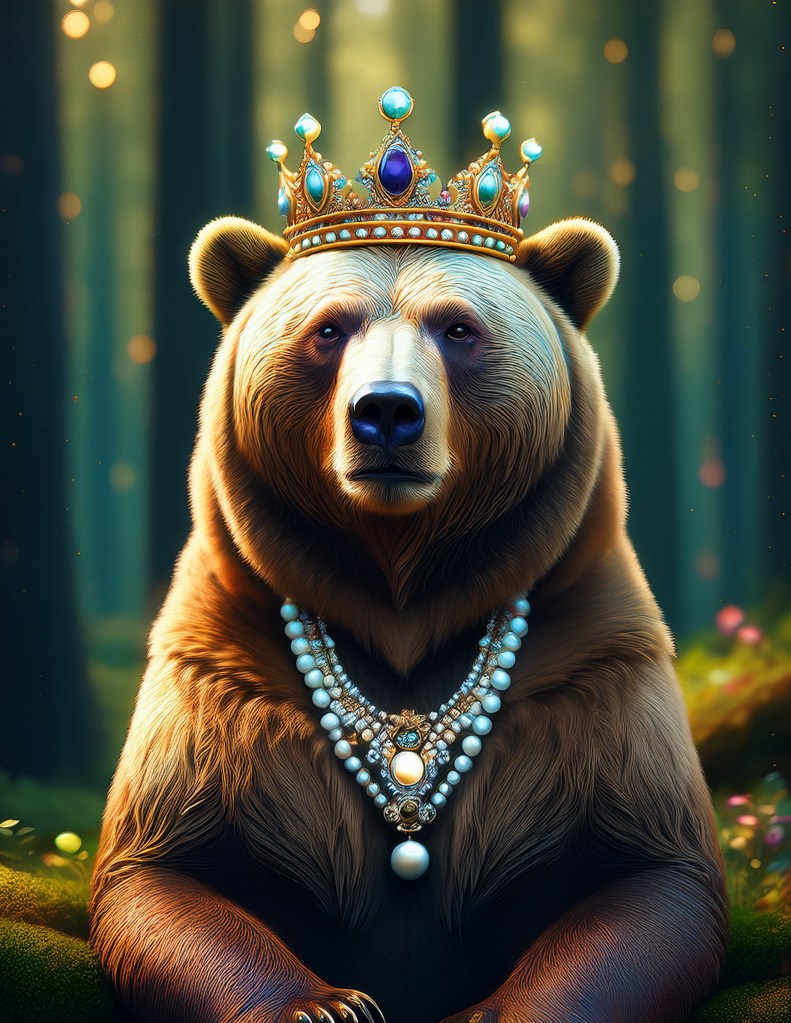
AI Generated Image
With Photoshop’s newest versions, you can type in prompts to create AI-generated images. I decided to have a little fun, and my prompt for this one was “A grizzly bear in the woods wearing a queen’s crown and a pearl necklace looking fabulous”.
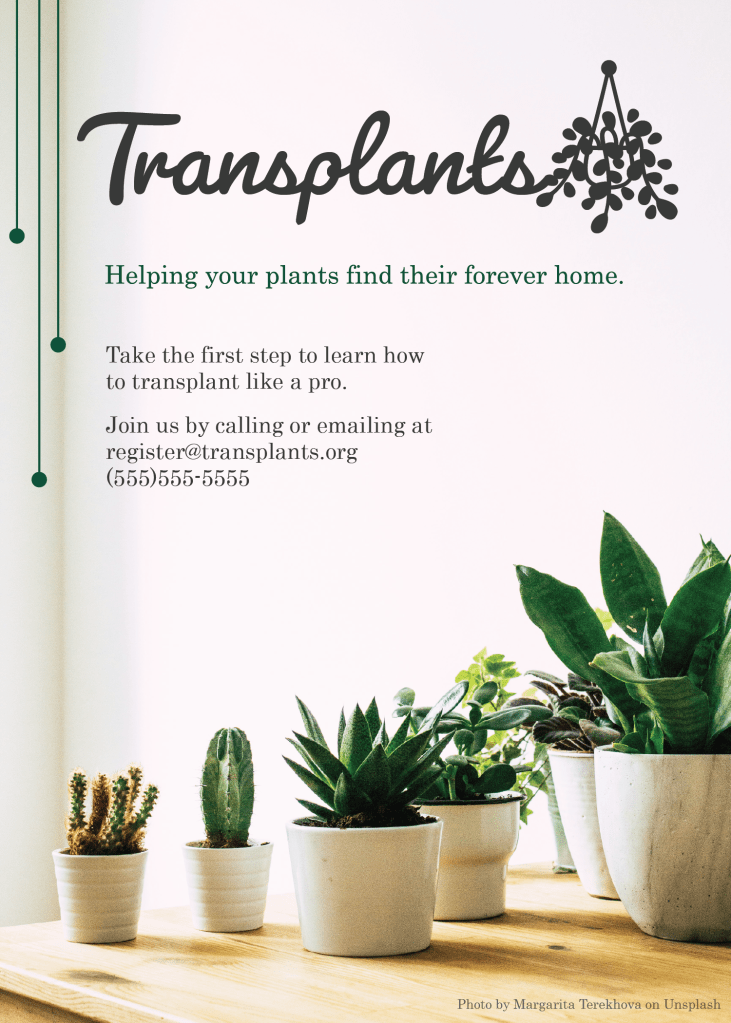
Fictional Business Logo
I created a fictional business called ‘Transplants’ with the idea that it helps people learn about plants and how to re-pot them safely.
 Rocio Davidge CSUMB MIST